Introduction
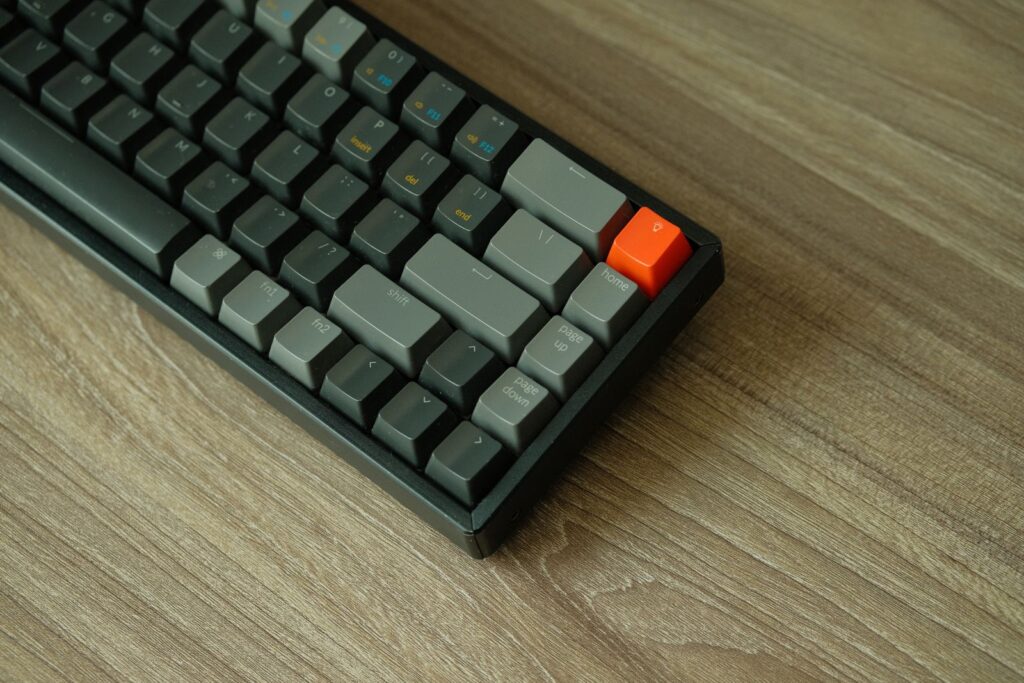
A mechanical keyboard feels very different from a laptop keyboard or a cheap membrane board. Each key has its own switch, giving a more tactile, responsive typing feel that many people find more comfortable for long typing sessions and gaming. Mechanical keyboards are also more durable and easier to repair or customize.
Beginners no longer need to spend a premium price to try one: in 2026, the budget range includes well-built keyboards with hot-swappable switches, wireless connectivity, RGB backlighting, and solid build quality. This guide compares well-known beginner-friendly models based on published specifications, features, and owner feedback. We have not hands-on tested these keyboards, so use this as a research-based starting point.
How to Choose Your First Mechanical Keyboard
Switch Type
Switches are the heart of a mechanical keyboard, and the three common types feel different. Linear switches, usually red, press down smoothly with no bump or click, and are quiet. Tactile switches, usually brown, have a small bump you can feel as the key activates, which many typists prefer. Clicky switches, usually blue, add an audible click that can bother people nearby. If unsure, brown switches are the safest starting point; red switches suit shared rooms.
Layout
Mechanical keyboards come in several sizes. Full-size boards include a number pad, tenkeyless (TKL) boards drop it to save space, 75% boards keep the function row and arrow keys, and 60% boards are the smallest. For a first keyboard, a TKL or 75% layout is usually the best balance.
Hot-Swappable Switches
Hot-swappable keyboards let you pull out switches and replace them without soldering, which is a big advantage for beginners. You can try a different switch type later without buying a whole new keyboard, and you can replace a single faulty switch instead of the entire board.
Connectivity
Wired keyboards are the simplest option: plug in over USB-C and type, with no batteries or pairing to worry about. Wireless keyboards add Bluetooth and sometimes a 2.4GHz dongle, which keeps your desk tidy and lets you switch between a laptop and a desktop. A wired board is a lower-risk first purchase, and many budget wireless boards also work wired.
Build Quality and Keycaps
A keyboard with a metal top plate or a solid frame feels more stable and lasts longer than an all-plastic board that flexes while typing. Keycap material matters too: ABS keycaps are common on budget boards and can become shiny with use, while PBT keycaps resist shine and feel more textured.
Backlighting and Software
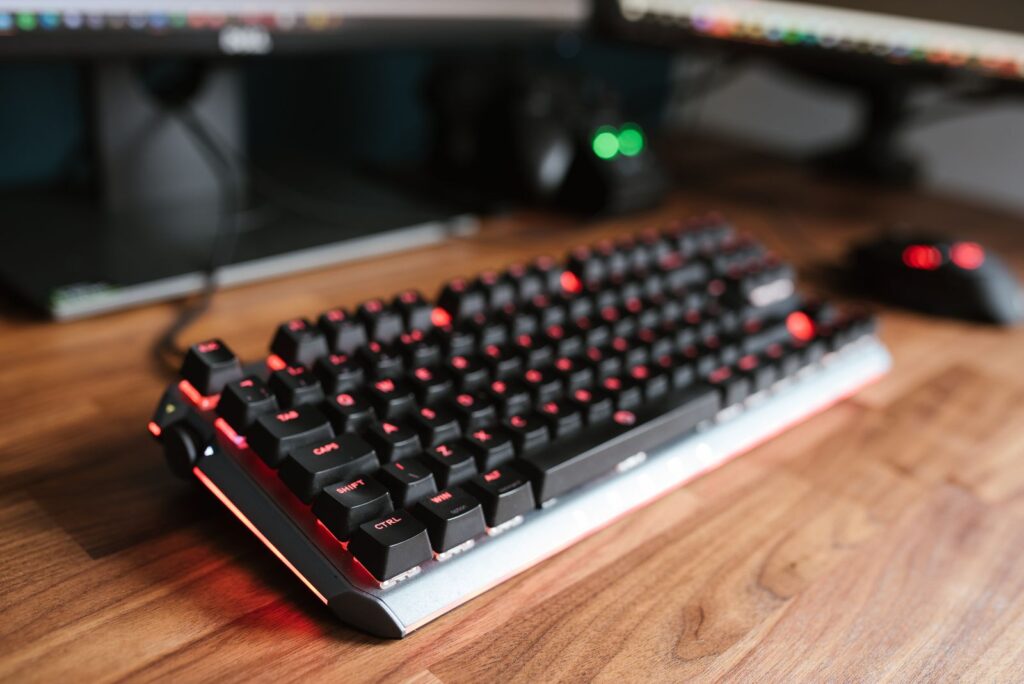
RGB backlighting looks good and helps you type in dim rooms, but it is a bonus rather than a necessity. More important is whether the keyboard’s software, or web-based configuration, lets you remap keys and adjust lighting without a fight. Some budget boards work well with no software at all.
Our Picks
Redragon K552 Kumara
The Redragon K552 Kumara is one of the most recommended first mechanical keyboards. It is a tenkeyless board with Outemu switches in red, blue, or brown, a metal top plate, and RGB backlighting, all at an entry-level price. It is wired only, which keeps things simple, and it has been widely available for years.
Pros:
- Very affordable entry point into mechanical keyboards
- Solid metal top plate and sturdy build
Cons:
- Switches are not hot-swappable on most versions
- Wired only, with a fixed cable
Keychron K2
The Keychron K2 is a 75% wireless keyboard that has become a default recommendation for beginners who want a little more. It offers Bluetooth and wired USB-C connectivity, hot-swappable switch options, RGB backlighting, and a choice of Gateron switches, all in a compact frame that keeps the arrow keys and function row. It works with both Windows and macOS.
Pros:
- Wireless and wired connectivity with easy device switching
- Hot-swappable versions let you change switches later
Cons:
- Priced above the cheapest entry-level boards
- The plastic frame feels less premium than metal-bodied rivals
Keychron C3 Pro
The Keychron C3 Pro is a wired tenkeyless board that focuses on the essentials: hot-swappable switches, a solid typing feel, and a straightforward setup with no software required. It comes with red or brown switches, white backlighting, and support for QMK and VIA, popular open tools for remapping keys and customizing layers. It is one of the most flexible budget options available.
Pros:
- Hot-swappable switches for easy experimentation
- QMK and VIA support for key remapping
Cons:
- Wired only, with no wireless option
- White backlighting rather than full RGB
Royal Kludge RK61
The Royal Kludge RK61 is a 60% wireless keyboard that suits beginners with small desks or anyone who wants a portable board. It offers Bluetooth, 2.4GHz wireless, and wired USB-C connections, hot-swappable switches, and RGB backlighting in a compact frame. The 60% layout takes getting used to, since arrow keys are accessed through key combinations, but it is a compact and capable first board.
Pros:
- Very compact 60% layout frees up desk space
- Three connection modes: Bluetooth, 2.4GHz, and wired
Cons:
- 60% layout means no dedicated arrow keys
- The learning curve is steeper for first-time users
Royal Kludge RK84
The Royal Kludge RK84 takes the compact idea a step further while keeping more keys: it is an 84-key board with a 75% style layout, so you get arrow keys and a function row in a frame not much bigger than a 60% board. It offers wireless and wired connectivity, hot-swappable switches, and RGB backlighting, and it suits small desks where a full-size board would crowd out the mouse.
Pros:
- Compact layout that keeps arrow keys and function row
- Wireless and wired connectivity options
Cons:
- Keycaps feel basic compared with premium boards
- Software for customization is functional but unpolished
Epomaker TH80 Pro
The Epomaker TH80 Pro sits at the upper end of the budget range and offers features recently limited to much more expensive boards. It uses a gasket-mounted design, which makes typing feel softer and sound deeper, and it supports hot-swappable switches, wireless and wired connectivity, and RGB backlighting in a 75% layout. It is a strong choice for a beginner who wants a refined board worth keeping for years.
Pros:
- Gasket-mount design gives a softer, more premium typing feel
- Hot-swappable switches and 75% layout with arrow keys
Cons:
- Priced at the higher end of the budget range
- Some features require software that takes time to learn
Frequently Asked Questions
Which switch type is best for a beginner?
Brown tactile switches are the safest starting point for most people, since they suit both typing and gaming and are not too loud. Red linear switches are a good alternative if you prefer a smooth feel or share a room, since they are quieter. Blue clicky switches are satisfying but loud, so they are best if you type alone.
Should my first mechanical keyboard be wired or wireless?
Wired is simpler and cheaper, with no batteries to charge and no connection issues, so it is a good default for a first board. Wireless is worth it if you hate cable clutter or switch between a laptop and a desktop. Many budget wireless boards also work wired over USB-C.
What is a hot-swappable keyboard, and do I need one?
A hot-swappable keyboard lets you remove and replace switches without soldering, using a small puller tool. It is not essential, but it is very useful for beginners, because it lets you try different switch types later and replace a faulty switch without buying a new board.
Is a 60% keyboard too small for a beginner?
It depends on how you use your keyboard. A 60% board saves a lot of desk space and is fine if you mainly type and game, but the missing arrow keys and function row can be frustrating if you edit documents, use spreadsheets, or rely on shortcuts. For most first-time buyers, a tenkeyless or 75% layout is safer.
Conclusion
The best budget mechanical keyboard for beginners matches how you type and how much desk space you have. The Redragon K552 Kumara is the simplest, most affordable way to try mechanical typing, while the Keychron C3 Pro adds hot-swappable switches and deep customization. The Keychron K2 is a strong all-rounder with wireless connectivity, the Royal Kludge RK61 and RK84 cover compact desks, and the Epomaker TH80 Pro suits anyone wanting a more refined typing feel.
Start with the switches: brown if you are unsure, red if you want quiet and smooth, and blue only if you type alone. Pick a layout that keeps the keys you actually use, and favor hot-swappable boards so your preferences can change with you.